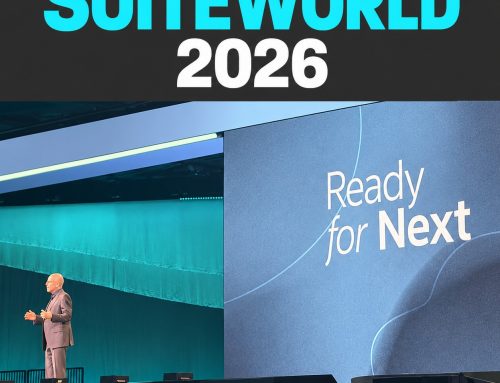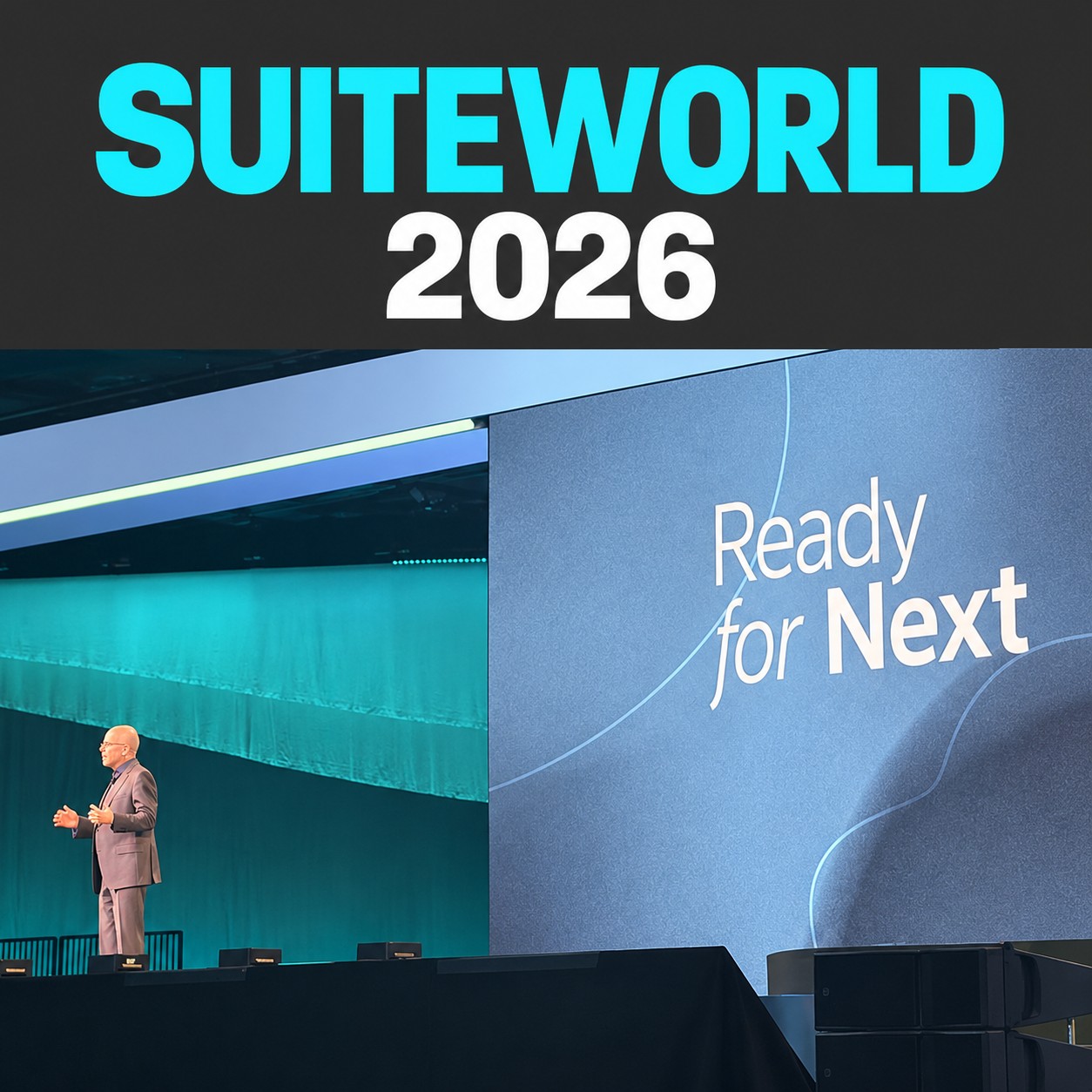
NetSuite Next and Ask Oracle have begun rolling out across Australia and New Zealand, but access is phased rather than switched on for every account at once. Your administrator should check account eligibility and role access before your team plans to use a particular capability.
Availability reviewed: 28 October 2026. Regional rollout does not guarantee access to every feature in every account.
For a finance or operations team, the exciting question is what this changes on Monday morning. Can you spend less time preparing information and more time deciding what to do? This guide explains the terms, the access checks and a practical way to start.
Think of it as improving the controls in a vehicle you already own. The operating foundations still matter. A clearer dashboard will not correct an inaccurate fuel reading, and a new control still needs someone who understands when to use it.
Is NetSuite Next available in Australia and New Zealand?
Recent ANZ rollout reporting confirms that NetSuite Next and Ask Oracle are reaching the region. That updates the earlier North America-first rollout picture. Avoid using an older regional estimate as the basis for your account plan.
There are three separate checks: whether the product is rolling out in your region, whether your account is eligible, and whether the relevant role can use the capability. An announcement answers the first question. Your administrator needs to establish the other two.
Oracle’s guidance on managing AI in NetSuite explains that customers receive in-app eligibility notifications and administrators manage access. Ask your administrator what is actually offered in your account before booking a team-wide launch.
What is the difference between NetSuite Next and Ask Oracle?
NetSuite Next is the evolution of the NetSuite experience, bringing AI capabilities and a refreshed interface into the existing platform. Ask Oracle is the conversational assistant used to work with information through natural-language requests. They are related, but they are not interchangeable names for the same thing.
| Term | What it means for your team | What to check |
|---|---|---|
| NetSuite Next | The updated NetSuite experience. | Account eligibility, eligible roles and the experience available to them. |
| Ask Oracle | A conversational way to ask for information and assistance. | Access in your current environment and the functions enabled for your role. |
| NetSuite Next preview | A separate environment for exploring the experience. | Whether your account can request it and who will run the evaluation. |
| AI Units | A measure of consumption for applicable NetSuite AI features. | Your allowance, usage and any additional purchase requirements. |
Oracle’s NetSuite Next FAQ describes the available starting options, including preview access and Ask Oracle in the existing account. Use the options your administrator sees, rather than assuming every demonstration reflects your configuration.
What can Ask Oracle help your team do?
Oracle’s Ask Oracle documentation gives examples such as retrieving overdue invoices, examining sales by item and refining an answer into another presentation. It also recommends precise record names and statuses instead of ambiguous terms.
For finance, a useful first evaluation could be preparing for a collections meeting. Compare the information returned with the report the team already trusts. Check customer selection, dates and balances before deciding whether the new approach reduces preparation.
For a distributor, choose a narrow order or inventory question that someone currently investigates repeatedly. Define the warehouse, period and status involved. The test is whether the answer helps the responsible person resolve the question with less effort.
For a manufacturer, start with a question whose inputs are understood. A team may want to explore sales performance by product before attempting more complicated analysis involving production and external systems. These are evaluation suggestions, not promises that every requested analysis is supported in your account.
Leadership should look for a change in the work, not simply an impressive answer on screen. Count the time spent validating and correcting the result as well as the time spent producing it.
Do existing customers need to reimplement NetSuite?
Oracle’s NetSuite Next rollout overview describes moving to the experience without data migration or reimplementation. That is a different proposition from replacing your ERP.
It still makes sense to test the processes your business depends on. Keep a list of critical reports, approval steps, integrations and custom screens. Have their owners confirm the expected behaviour before widening access. Treat this as a focused adoption exercise with clear acceptance criteria.
The NetSuite Next FAQ notes that some customisations which directly manipulate page structure may need review. Avoid promising that every customisation will work unchanged without examining the account.
How does access work?
According to Oracle’s role-access guidance, administrators manage access for eligible roles, with options to require NetSuite Next, make it optional or provide no access. Some centre types are excluded.
A sensible starting group has an accountable process owner, someone who performs the work regularly and an administrator who understands the permissions. They should agree what they are testing, which records they need and who can approve a wider rollout.
Use everyday roles during evaluation. A result produced under broad administrator access does not establish what a finance clerk, buyer or warehouse supervisor will see. Record permission problems separately from missing or inconsistent data so the team fixes the right issue.
Does Ask Oracle cost extra?
Oracle states that Ask Oracle is included with the NetSuite licence, without requiring a separate ChatGPT or Claude licence. However, included access should not be described as unlimited AI usage.
The AI Units FAQ explains that eligible licences include an allocation and that consumption varies with the AI work performed. Oracle also documents additional AI Unit purchases and what happens when a pool is exhausted.
Before expanding a pilot, ask your account team to confirm the applicable allowance, subscription terms and monitoring arrangements. Set a review point after the first real usage period. A commercial assessment should include the effort saved, the review effort retained and any additional usage costs.
What should you prepare before enabling wider access?
Oracle’s account-readiness guidance focuses on existing data, permissions, customisations and navigation. The following practical checks turn that into an adoption plan.
- Choose one recurring problem. Identify the decision being delayed and the person responsible for it. Avoid a broad objective such as “use more AI”.
- Establish a trusted comparison. Keep an agreed report or record set against which the first outputs can be checked. Define the dates and business terms in advance.
- Review the relevant data. Start with records used by the chosen task. Assign ownership for incomplete fields, inconsistent classifications and duplicate records.
- Confirm permissions. Decide who should see the information and who should be able to act on it. Do not grant broader access simply to make a demonstration work.
- Agree the review process. Define who checks an answer, when an exception is escalated and which decisions still require approval.
- Measure the complete task. Compare elapsed time, corrections and user effort with the previous process. Expand only when the result is useful and repeatable.
Give the pilot a clear finish point. At the review, decide whether to expand, adjust the process or address underlying data first. Keeping an issue log makes the learning reusable for the next team.
What should you ask your NetSuite partner?
- Which options are enabled for our account today?
- Which everyday roles should participate in the first evaluation?
- What customisations or integrations need checking?
- What allowance and usage monitoring apply to us?
- How will we validate the output and document exceptions?
- What would demonstrate that the first use case is ready to expand?
Bring a real task to the discussion. A collections review, a recurring sales question or a reporting bottleneck gives everyone a clearer starting point than a general request for an AI demonstration.
Frequently asked questions
Why can another Australian business access it when we cannot?
Regional availability and account eligibility are separate. Access is phased, and role settings also affect what a user sees. Ask your administrator to check the account notification and access controls.
Can we try it before changing how the whole team works?
Oracle describes preview options for eligible accounts. Its preview guidance explains that the environment uses a snapshot of production information and provides a 30-day access period. Check the options currently offered to your account.
Should we stop using our existing reports?
Keep reports that support established controls and recurring decisions while you evaluate the new experience. Let evidence from your own workflow determine which tasks change.
Does better access to information fix poor data?
No. Easier retrieval does not establish that the underlying records are complete or consistent. Give data owners a clear role in checking results and correcting the source.
Ready to choose your first useful application?
Start with one task your team wants to spend less time preparing. OneKloudX can help review the account, identify the relevant readiness work and define a manageable evaluation.
Watch Ross Johnstone’s NetSuite Next demo for preparation guidance. For the broader announcements and their implications, read what SuiteWorld 2026 means for the way your team works.